
Creating a Signature Sound with External Audio Mixers for Your Stream
When live streaming, having exceptional sound quality can elevate your overall production. Using external audio mixers allows you to fine-tune sound and create a rich listening experience. Additionally, these mixers offer flexibility and control that built-in options simply cannot match. Whether you’re streaming games, podcasts, or music sessions, an external mixer can cater specifically to your audio needs. Importantly, understanding the capabilities of these devices can enhance your streams significantly. Key features to look for when choosing a mixer include the number of channels, effects options, and compatibility with your existing equipment. As you incorporate an audio mixer into your setup, remember to account for all aspects, from your microphones to the software you’re using. Investing in a good quality mixer will not only improve sound quality but also help in making your stream sound professional. Moreover, your choice of equipment can reflect your brand’s identity. Therefore, a suitable mixer will align with your streaming goals while providing you with a signature sound that resonates with your audience. Players and streamers should see their audio equipment as a powerful storytelling tool to engage viewers more effectively.
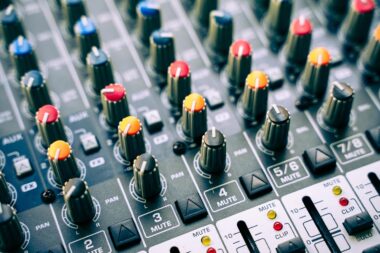
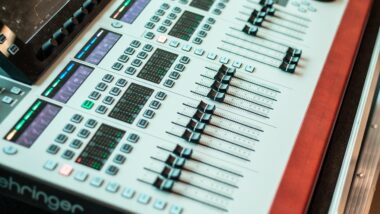
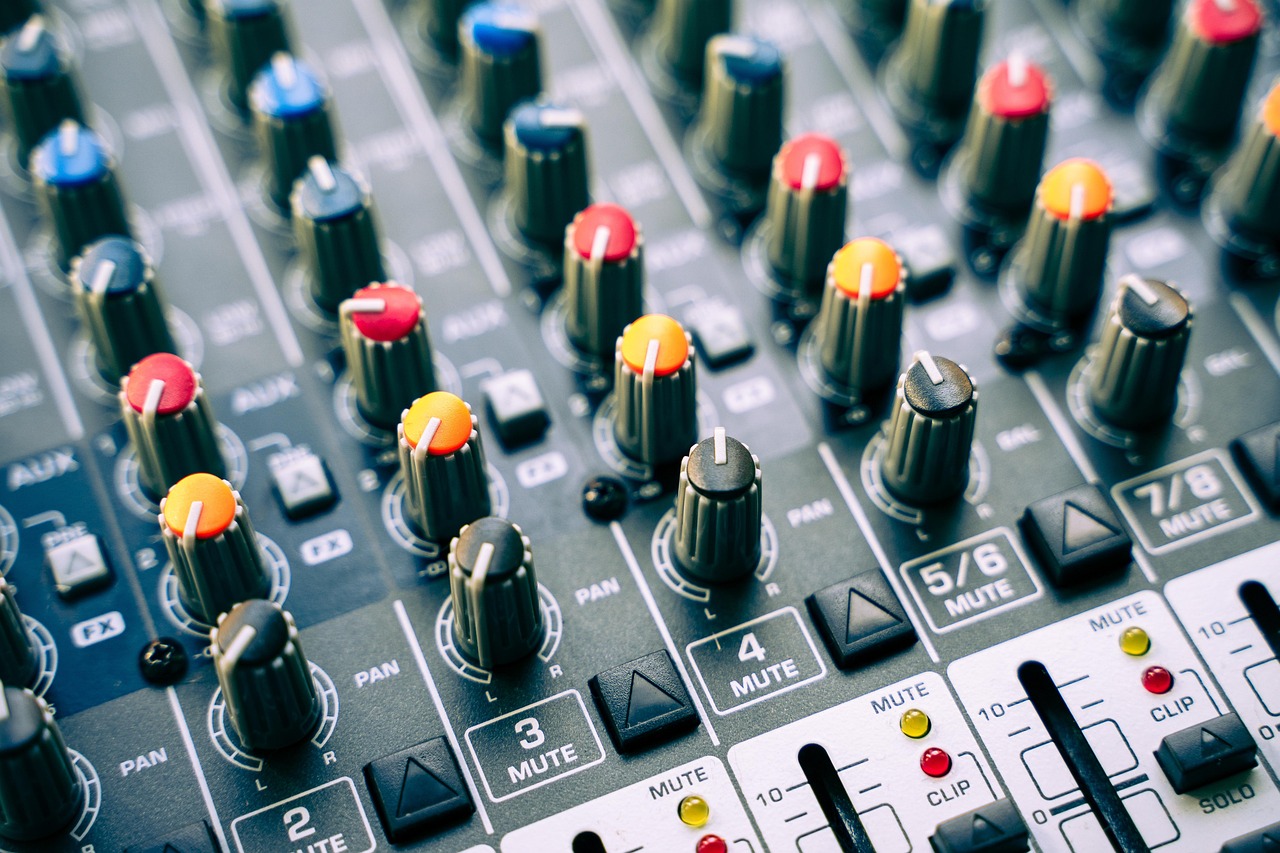
To maximize the potential of an external audio mixer, it’s crucial to understand its basic components. Most mixers typically include inputs for mics, instruments, and line-level signals. Furthermore, they offer volume controls, equalization settings, and effects options. These features enable you to adjust each audio channel, enhancing overall sound quality. When setting up, connect your microphones and instruments to the appropriate inputs while ensuring that your mixer interfaces effectively with your primary streaming software. A well-configured audio mixer can create balanced sound levels between different audio sources, preventing distortion and ensuring clarity. It also allows you to apply real-time effects, such as reverb or compression, which can substantially enhance your audio. Some mixers feature built-in USB connections, making them ideal for direct integration with your computer or streaming device. This functionality not only simplifies the setup process but also streamlines audio processing. Over time, experimenting with your audio mixer settings will help refine your unique sound. Remember that a signature audio style connects deeply with your audience, creating an immersive streaming experience that keeps viewers returning. Thus, take time to play around with settings and find out what works best.
Another essential aspect of working with external audio mixers is mastering the equalization features. Using EQ settings wisely allows you to enhance or reduce specific frequencies, shaping the overall sound of your stream. For instance, boosting mid frequencies can help vocals stand out and sound clearer. Alternatively, reducing overly high or low frequencies can prevent muddiness or harshness in your audio. It’s important to experiment with these settings to find the perfect balance that works for your unique sound. Besides EQ adjustments, incorporating compression can also enhance audio quality. Compressors reduce the volume of loud sounds and amplify quieter ones, contributing to a more consistent audio level. Finally, don’t overlook the potential of adding effects such as reverb or delay. These effects can introduce depth to sound, making your stream more engaging. Remember to apply effects judiciously; too much can overwhelm your audience rather than enhance their experience. Practicing with your mixer’s EQ and effects helps polish your sound. Therefore, dedicate time during your setup to master these features. In conclusion, well-balanced audio can make your live streams memorable.
Connecting Your Mixer to Essential Gear
Integrating an external audio mixer into your live streaming workflow involves several connections. Initially, you need to connect your microphones and other audio sources to the mixer’s input channels. For PCs and streamers using consoles, USB mixers simplify the process significantly as they directly connect to devices. Apart from microphones, consider connecting instruments, game audio, or soundboards for a comprehensive audio experience. Additionally, the output from your mixer needs to connect to your streaming software or broadcasting device. Most commonly, you’ll connect through USB, providing cleaner audio transfer. If using an analog mixer, you might require additional interfaces or devices to digitize the audio signal. When setting everything up, ensure each device has proper power connections and check for compatibility. Verifying that your mixer and audio sources are well-adjusted before going live avoids potential hiccups during your stream. Remember to run tests to ensure audio levels are balanced and clear. Several software applications can help monitor audio levels visually. Utilizing external monitors can also enhance your ability to adjust levels on the fly during your live session. Always prioritize a smooth audio setup before engaging your audience.
Once you have the mixer connected, it’s crucial to configure audio levels appropriately. Begin by adjusting the gain levels for each input channel, ensuring that signals are strong but not clipping or distorting. Use peak meters on your mixer or software to confirm levels are optimal. The aim is to achieve clarity without overwhelming your audience. After setting levels, take time to test different audio setups to see what resonates best with your streaming theme. Streaming gameplay requires a different sound management style compared to music performances or chat-centric streams. Each category leverages audio in distinct ways, so tailor your approach accordingly. After gaining familiarity with your mixer controls, practice switching between different audio inputs seamlessly during your stream. This allows for effortless transitions between sources as you engage your audience. It’s beneficial to keep a handy reference of sound levels for each source, especially if you regularly restart your streaming session. Additionally, documenting your audio setups will save time during pre-stream checks. Maximize your mixer’s potential by creating presets for various streaming scenarios, ensuring adaptability.
Fine-Tuning Your Setup for Optimal Performance
After achieving initial configurations, it’s time to delve deeper into fine-tuning your external audio mixer settings. This step aims to perfect your overall audio capture while addressing specific challenges you encounter during streams. A crucial practice is to always monitor your audio levels in real-time. Utilizing headphones connected directly to the mixer provides immediate feedback on the sound being delivered to your audience. This proactive listening ensures you can quickly make adjustments should sound feedback or issues arise. Consider implementing a noise gate within your mixer settings, which can eliminate background noise from your streams. Noise gates automatically mute audio when sounds fall below a specified threshold, enhancing clarity. Another area to explore is licensing any necessary sound effects and music you wish to incorporate into your streams. Understanding copyright laws around music can save headaches later on. Using royalty-free music or obtaining the appropriate licenses can add professionalism to your streams without legal concerns. Thus, invest time in researching these areas; mastering sound not only makes your streams more enjoyable but also establishes you as a serious content creator.
Finally, always strive for continuous improvement with your audio setup. Regularly revisit your mixer settings and explore new audio techniques to maintain your sound’s uniqueness. Trends in audio technology constantly evolve, so staying updated can provide a competitive edge. Engage with other streamers and audio engineers to learn about their configurations and setups. Networking within the streaming community can yield invaluable insights and techniques to improve your audio. Sharing experiences about equipment or challenges can uncover fresh perspectives for your mixing process. Additionally, consider participating in workshops or webinars focused on audio mixing for live performances. These sessions can offer practical knowledge and enhance your understanding of audio engineering. Knowledge in areas such as acoustics can also be invaluable when setting up your streaming space. Acoustic treatment can improve how sound travels within your space, enhancing the overall quality. Implementing creative audio effects or manipulations can differentiate your streams. Strive for authenticity, constantly refining your signature sound until it perfectly complements your online presence. Remember, the audio is often the unsung hero of high-quality content, turning viewers into loyal fans.
This is a final note encouraging an exploration of audio mixing for live streaming. Don’t hesitate to take your time learning and experimenting with different setups. As you navigate through this process, remember that your unique sound will develop over time. It’s essential to enjoy this journey while creating immersive content. You’ll soon find the audio part of your streams contributes significantly to overall engagement. Aim to build an exceptional user experience by optimizing sound through your external mixer. Ultimately, the goal is to foster a connection with your audience that is meaningful and enjoyable. Leverage the control that an external audio mixer provides to enhance your storytelling abilities in your streams. Your signature sound will reflect your style and brand, creating a consistent atmosphere. As you grow in your streaming career, ensure that your audio quality matches your aspirations. With a well-thought-out approach to sound, you’ll improve your streams’ applauded receptiveness. Make adjustments as you go along, and soon enough, you’ll notice the positive effects of stellar audio production. Trust in your abilities to deliver excellent audio. Seeking feedback from your audience can also refine the sound further.