
How to Edit Videos Like a Pro: Tips for Beginners
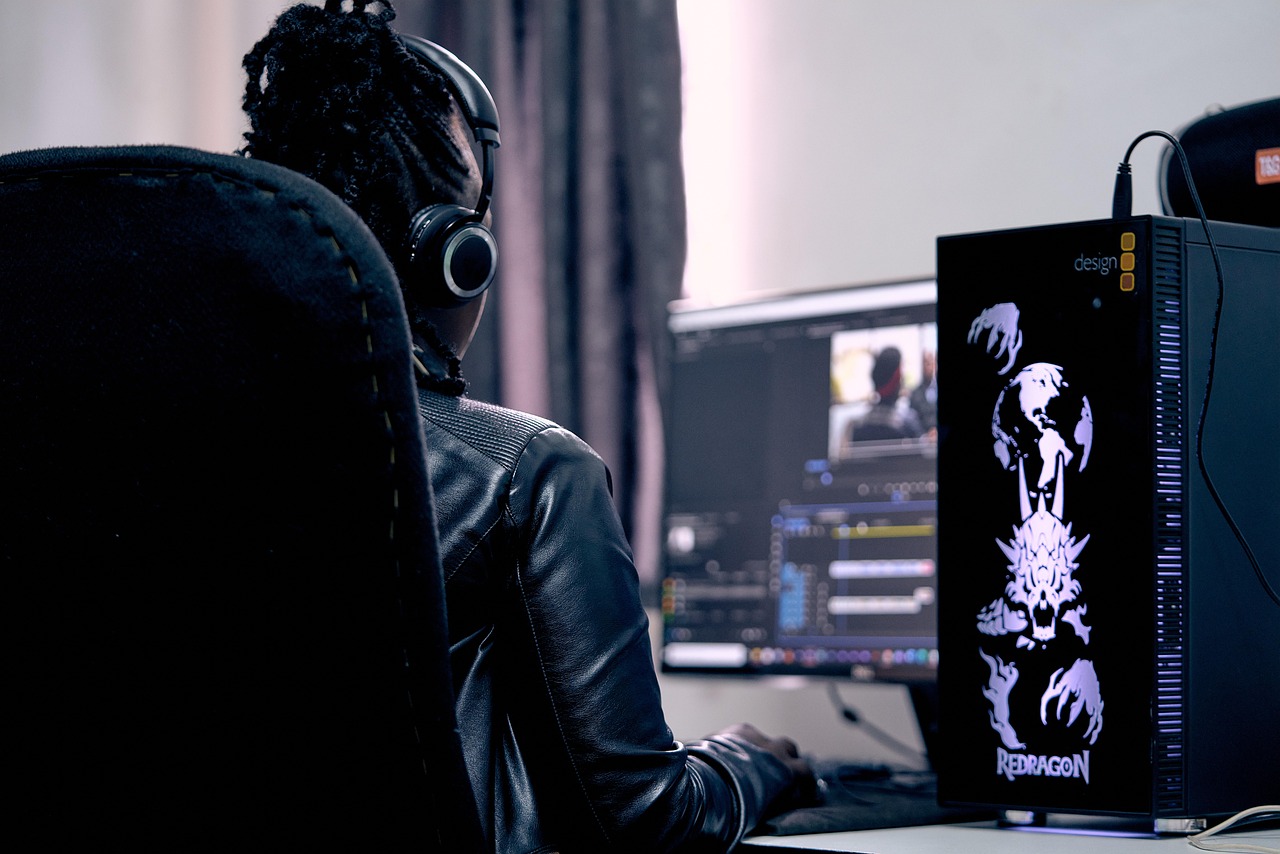
Editing videos is an essential skill for anyone looking to grow their presence on YouTube. It can seem daunting at first, but with practice and the right techniques, you can achieve professional-looking results. Start by choosing a reliable video editing software that suits your needs. Whether you opt for free platforms like DaVinci Resolve or paid ones like Adobe Premiere Pro, each offers different features that cater to beginners. Familiarize yourself with the interface through tutorials and guides. Understanding your software is crucial, as it will enable you to utilize its functionalities effectively. Plan your video editing workflow ahead of time. This involves importing your footage, organizing clips, and ensuring you have all necessary assets like audio or graphics. Always work with high-quality video files to maintain the best overall quality. Don’t forget about sound; good audio is just as important as visuals. Learn how to use transitions and effects sparingly—too much can overwhelm the viewer. Gradually, you’ll develop your own style and techniques that resonate with your audience. Practice makes perfect in video editing, so let your creativity lead the way!
One of the key elements in video editing is storytelling. Focus on the narrative you wish to convey, keeping the audience engaged throughout the video. Gather your clips, choose the best shots, and arrange them in a cohesive order. Consider adding background music or sound effects that complement the mood of your video. Various websites provide royalty-free music suitable for YouTube content. Utilizing these resources can enhance your storytelling by creating emotional moments that resonate with viewers. Pay attention to pacing; quick cuts can be thrilling, while slower moments allow viewers to absorb information. Additionally, use text and graphical overlays to emphasize key points or provide additional context. Learning color grading techniques can also significantly improve your video’s visual appeal, as a polished look helps convey professionalism. Remember to color-correct your footage to maintain consistency across different clips and scenes. Experiment with various styles and find your unique voice as a content creator. Seek feedback from peers or online communities to identify areas of improvement. With dedication and practice, you’ll transform raw footage into polished videos that captivate your audience and grow your channel.
The Importance of Thumbnails
Thumbnails play a vital role in attracting viewers to your YouTube channel. A captivating thumbnail can significantly increase your video’s click-through rate. Invest time in designing effective thumbnails that reflect your video’s content and style. Use vibrant colors, clear fonts, and relevant images to grab attention. Ensure that your thumbnails are easily readable, even at smaller sizes, as many people browse YouTube on mobile devices. Tools like Canva or Photoshop can help you easily create eye-catching thumbnails. Also, consider incorporating your branding elements, such as your logo or a consistent color scheme. This helps establish a cohesive look across your channel and makes your videos more recognizable. Analyze your successful videos to determine what elements work best in thumbnails. Use A/B testing with different designs to find the most effective options. Remember that your thumbnail should not misrepresent your content as this could lead to viewer disappointment. Rather, it should accurately convey what viewers can expect. As you refine your thumbnail creation skills, you’ll enhance your channel’s outreach and engagement. Spend adequate time perfecting this aspect—it’s well worth the effort in the long run!
Another important aspect of YouTube video editing is the use of effects and transitions. These elements can help maintain viewer interest and ensure a smooth flow from one scene to another. Avoid overusing flashy effects, as they can distract from your content. Instead, focus on seamless transitions, like cross dissolves or wipes, that aid the storytelling process. Use jump cuts to keep up the pace of your video, especially for tutorials or vlogs. They help highlight key moments while eliminating any unnecessary content. Additionally, don’t shy away from incorporating animated graphics or captions to emphasize your messages, as doing so enhances viewer retention. Subtle enhancements, like adding a slight zoom effect on the most captivating segments, can increase engagement. Different software offers unique transition options; familiarize yourself with them to determine which best fits your style. Check out YouTube’s creator guidelines to ensure you’re compliant with transition usage. Practice mixing various effects and transitions until you develop a signature editing style. By exploring various techniques, your videos will become appealing and informative, setting you up for success on the platform.
Audio Editing Tips for Enhanced Quality
Audio quality significantly affects the overall viewer experience. Investing in a good microphone is crucial, but it’s just as important to edit your audio tracks effectively. Start by cleaning up your audio with software tools—remove background noise, adjust levels, and add equalization to enhance clarity. You can use tools like Audacity or Adobe Audition for these purposes. Make sure to balance background music with speaking voices; no one wants to strain to hear content over loud music. Use fades to transition between different audio clips seamlessly. A well-edited audio track keeps viewers engaged and improves the professionalism of your videos. Add sound effects strategically to emphasize important points or enhance your storytelling. Remember to always credit sound sources, especially if they aren’t royalty-free. Continuously improving your audio editing will keep your audience coming back for more. Regularly monitor feedback and adapt to viewer preferences. Conducting audio tests before finalizing the video will ensure everything sounds just right. By focusing on audio, you can elevate the quality of your YouTube content, ultimately allowing viewers to connect better with your material. Consistency in audio quality develops trust and loyalty among your audience.
As you become more experienced, consider collaborating with other YouTubers. Not only can this increase your subscriber count, but it also provides opportunities to share editing techniques and styles. Joint projects often allow for creative freedom and can introduce you to different audiences. Be open to constructive criticism; feedback from peers can provide valuable insights into your editing process. Participate in online forums or communities that focus on video editing to continue growing your skills. Learning from others’ mistakes and successes can accelerate your professional development. Attend webinars or virtual workshops that concentrate on editing techniques specific to YouTube. As technology develops, staying updated on trends is essential for maintaining relevance. Invest in online courses if necessary, to expand your knowledge. Remember, the more you practice and apply what you learn, the better your editing will become. Set achievable goals to track your progress. Regularly analyze your most successful videos to identify which techniques resonate with your audience and refine your approach accordingly. Ultimately, your viewers will appreciate the effort you put into creating your content.
Final Thoughts on Video Editing
Editing is far more than just putting clips together; it’s an art form that communicates your message effectively. As a YouTube content creator, mastering video editing is paramount for building a solid subscriber base. Take the time to understand the tools at your disposal, and with consistent practice, you’ll enhance your storytelling abilities. Start small; familiarize yourself with fundamental techniques before experimenting with advanced editing methods. Don’t hesitate to revisit your earlier works as a reference for your development. Remember that video editing should also reflect your individuality; find a unique style that resonates with your personality and audience. YouTube thrives on authenticity, and your unique approach will set you apart. Don’t forget that feedback is a double-edged sword: while constructive criticism is invaluable, always stay true to your vision. Keep evolving your craft, embracing challenges, and regularly refining your style. Ultimately, embrace the process of learning and experimenting. Enjoy creating captivating videos that not only attract viewers but also allow you to express your creativity. This journey might just empower your voice on YouTube and foster important connections with your growing audience.
Finally, stay patient and maintain realistic expectations. Rapid growth may occur, but it often takes time to build an audience that appreciates your hard work. Celebrate small victories along the way, as they can fuel your motivation and creativity. Track your progress and set ambitions that inspire you without becoming overwhelming. Social media can also be instrumental in promoting your videos; share snippets or behind-the-scenes content on platforms like Instagram or Twitter to engage your audience and generate excitement. Collaborate with fellow content creators to widen your reach; mutual shout-outs can significantly increase visibility. Consistency is vital—frequent uploads, even if they are shorter videos, can boost engagement remarkably. Revise your editing techniques regularly; trends frequently change, and adaptability can keep your content fresh. Stay inspired by drawing from different content categories or genres; this can inject new creativity into your workflow. Lastly, invest in your mental health—creating content can be taxing, so find rituals that rejuvenate your spirit. Video editing is an evolving craft that rewards those who embrace learning and creativity. Remember, your unique perspective has the power to influence and entertain; so, keep sharing and growing!