
How to Use External Audio Mixers to Create Dynamic Live Streams
Live streaming has grown vastly popular, making audio crucial for viewer engagement. Using external audio mixers enhances sound quality and allows you to manage various audio inputs seamlessly. These mixers enable a more professional sound that captivates audiences. This article will explore the steps to use external audio mixers effectively for live streaming. With the right mixer, you can control audio volume, balance, and sound effects, improving the overall experience for your viewers. Selecting an audio mixer depends on the type of streaming you intend to do, whether it’s gaming, tutorials, or music. A reliable mixer offers many channels that accommodate different audio sources. Each audio source can have its settings adjusted independently, providing flexibility in your streams. Moreover, using a mixer helps in live performances, allowing musicians and streamers to integrate guitars, microphones, and additional equipment. By mastering external audio mixers, you’ll elevate your live stream’s audio quality, leaving a lasting impression on viewers. This dynamic approach has multiple advantages, enhancing the overall feel of the content you deliver, turning casual viewers into regular followers.
Choosing the Right External Audio Mixer
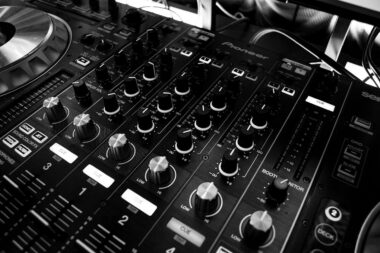
Selecting the right external audio mixer is critical for a successful live stream. Consider your streaming needs, particularly the number of audio inputs required and the setup you envision. For instance, a basic mixer with two to four channels can suffice for simple streams, such as solo gaming sessions or vlogs. However, larger productions with multiple speakers or instruments necessitate a more advanced mixer with six or more channels. Also, consider mixers equipped with built-in effects and EQ capabilities. These features allow for real-time audio adjustment, which is crucial for maintaining sound quality and ensuring that each participant’s voice is heard clearly. Another important factor is portability, especially if you frequently stream from different locations. Lightweight, compact mixers can greatly ease transport without sacrificing quality. Connectivity options also play a role; USB, XLR, and TRS inputs should be considered based on your equipment. Additionally, reading reviews and consulting peers can help you find a reliable mixer that suits your needs and budget, ultimately leading to increased production quality and engaging content for viewers.
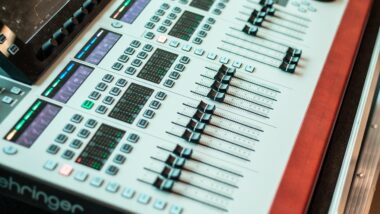
Setting up your external audio mixer for live streaming can seem daunting, but following a systematic approach simplifies the process. First, connect your mixer to your computer or streaming setup via USB or audio cables, depending on the model. Make sure the connection is secure, as any disruption can affect audio quality. Next, adjust the mixer’s gain settings for each input to achieve a balanced sound. Gain settings control the input level, ensuring each sound source is captured without distortion or noise. After adjusting gains, you can set levels for each channel using the sliders on the mixer. It’s advisable to monitor these levels in real-time through headphones or studio monitors, allowing quick adjustments as needed. Testing your audio setup before going live is essential; conduct a few trial runs to identify and resolve potential issues preemptively. Pay attention to background noise and adjust accordingly. Once satisfied with your setup, you can start your live stream knowing that your audio is clear and well-mixed, leading to a professional presentation that captivates your audience.
Enhancing Audio Quality in Your Live Stream
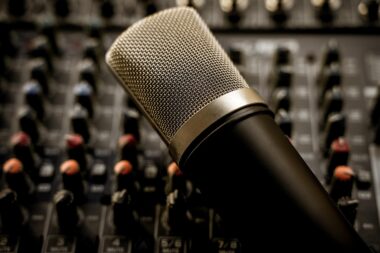
Enhancing audio quality is crucial for captivating your live stream audience. Your external audio mixer plays an indispensable role in achieving this goal. One effective way to boost quality is by utilizing high-quality microphones, as they can make a significant difference in sound clarity and depth. Connect dynamic or condenser microphones to the mixer, depending on your needs—dynamic mics are ideal for loud environments, while condenser mics excel in quieter settings. After you’ve established reliable microphones, consider further adjustments through your mixer. You can manipulate EQ settings to reduce unwanted frequencies, enhancing the overall sound. Remember to balance audio sources effectively; ensure that music, voices, and sound effects blend harmoniously without overshadowing each other. Moreover, adding sound effects or background music can elevate the viewer experience. However, use these sparingly to maintain focus on main audio sources, such as dialogue. Paying attention to these elements, and regularly evaluating your audio quality during streams, allows you to make necessary adjustments that ensure a consistently engaging audio experience.
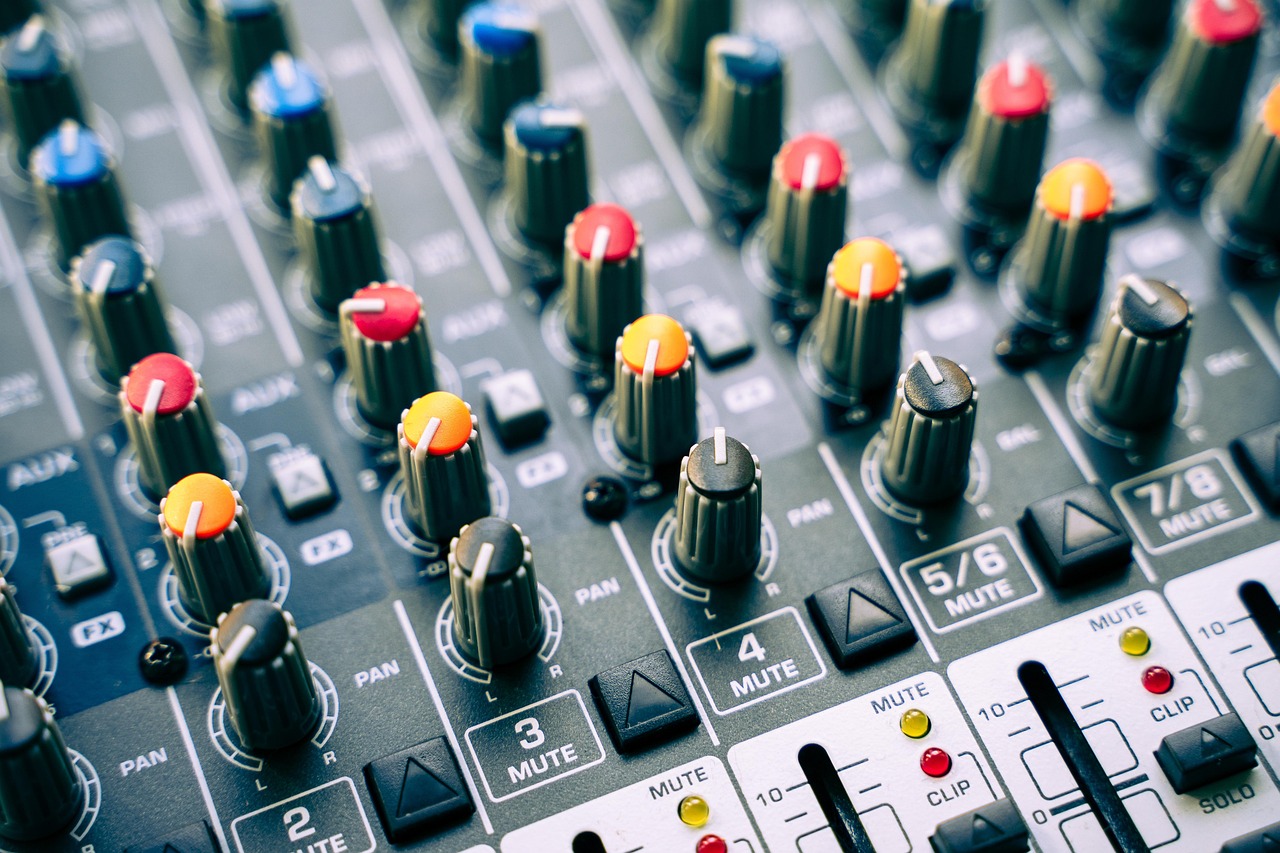
Practice makes perfect when it comes to using an external audio mixer for live streaming. Familiarize yourself with the mixer’s layout and functions to optimize your workflow during live sessions. Spend time learning about the various knobs, buttons, and effects available to you. When you feel confident in adjusting audio settings on-the-fly, your performance will greatly improve. Furthermore, recording test sessions can help you analyze your audio during playback, allowing you to identify areas for improvement. Engage with your audience during practice sessions, as their feedback is invaluable. Applying their suggestions helps shape a more enjoyable viewing experience while fostering community connections. If possible, ask a friend or fellow streamer for constructive criticism during these tests. Make adjustments based on their insights, and continue refining your approach. Beyond mastering your mixer, consider experimenting with different audio setups to find what resonates with your audience. Continuous adaptation and improvement of your sound game will lead to a more dynamic and entertaining stream, setting you apart from others and attracting a larger viewership.
Real-time Audio Monitoring and Management
Real-time audio monitoring is an essential practice when using external audio mixers for live streaming. This setup enables you to hear the audio as it is being mixed, allowing you to catch any inconsistencies or issues immediately. Wearing quality headphones connected to the mixer ensures that you can monitor sound levels, capturing every nuance and detail. This proactive approach helps you avoid potential audio problems that could detract from the viewer experience. Adjusting audio levels dynamically during the stream is equally important; you should frequently check levels for each source and respond promptly to maintain balance. Furthermore, some mixers offer visual feedback through LEDs or meters, indicating if any sound clips or distorts. Monitoring these signals allows for continuous optimization of the audio quality. You can also manage audio effects and transitions in real time, adding another layer of professionalism to your stream. Comprehensive management of audio ensures that your message connects with your audience, creating an engaging atmosphere to keep viewers coming back for more.
In summary, using external audio mixers significantly enhances the quality of live streaming, providing numerous benefits to both streamers and their audiences. The ability to manage various audio sources, apply effects, and monitor sound in real-time creates a more dynamic and engaging experience. By doing thorough research and selecting the right audio mixer, you’re set up for success. Moreover, mastering the mixer will improve your technical skills, elevating your production value while ensuring high-quality audio. Ultimately, these enhancements lead to better viewer engagement and increased audience retention. If you commit time to practice with your audio system and incorporating feedback, the resulting stream quality can be transformative. Your listening audience will notice the significant disparities in audio quality compared to other less polished broadcasts. Quality audio not only fosters a better connection with viewers but also enhances the overall impression of your brand as a serious content creator. Finally, the skills learned in this process may be applied to various types of streams, making external audio mixers a versatile tool in a live streamer’s toolkit.