
Setting Up Audio Filters and Enhancements in Streaming Software
When it comes to live streaming, ensuring clear and high-quality audio is crucial. Proper audio setup not only enhances viewer experience but also elevates your entire stream’s production value. By focusing on your audio, you create an environment that captivates your audience and maintains their interest. There are various streaming software options available, each offering unique features for managing audio inputs. This guide will walk you through essential audio tools and techniques to enhance your streams. Utilizing audio filters efficiently can rescue poor audio sources or enrich the sound captured from quality sources. Most software allows the integration of multiple audio filters. Some popular filters include noise gates, compressors, and equalizers. Noise gates help eliminate background noise during quieter parts of your stream, while compressors can stabilize audio levels. Equalizers control frequencies to enhance clarity or warmth, making your voice more understood. Understanding these filters and functionalities drastically improves your audio quality, ensuring your audience has an enjoyable experience on your stream. Explore your chosen software documentation for specifics on how to implement these features effectively. Take your time to experiment for the best audio enhancement results.
Incorporating audio filters into your streaming routine is essential for maintaining professionalism. One of the most significant enhancements that can be achieved is through the use of a noise gate. This handy tool can significantly reduce ambient noise and unwanted sounds, allowing your primary audio source, such as your microphone, to be clearer. To set up a noise gate, adjust the threshold level where the gate opens and closes. Once appropriately configured, the noise gate will only allow sounds above a certain volume level to be transmitted, filtering out quieter noises that could distract your viewers. Additionally, using a compressor can enhance your audio by balancing different volumes and preventing sudden loud noises from damaging the listening experience. It helps maintain a consistent output volume, ensuring that your viewers don’t have to adjust their volume constantly. Integrating these filters into your streaming software can be simple, given the user-friendly interfaces of contemporary programs. Always test your audio setup before going live to ensure it’s working as intended, giving your audience the best audio quality possible during your live session.
Understanding and Using Equalizers
Equalizers are a vital component in optimizing your stream’s audio. They allow you to adjust various frequency levels to achieve more desirable sound quality. Different content types may require different equalization. For instance, vocal streams often benefit from a slight boost in the mid-range frequencies, enhancing clarity. Conversely, ambient music may require a more balanced mix between low and high frequencies. Before starting your stream, ensure you are using an equalizer that is easily accessible in your broadcasting software. Familiarize yourself with the interface, and experiment with the preset settings to find the best fit for your sound. While tweaking equalization, it’s important to listen critically and make adjustments slowly. Consider using high-pass filters to eliminate low rumbles, ensuring they do not interfere with the primary audio. On the other hand, a low-pass filter can be employed to soften harsh sounds. Keep in mind that slight adjustments often yield the most favorable results. Engage regularly with your audience to gauge their experience and adjust your settings accordingly. Consistency in audio quality will lead to a smoother streaming experience overall.
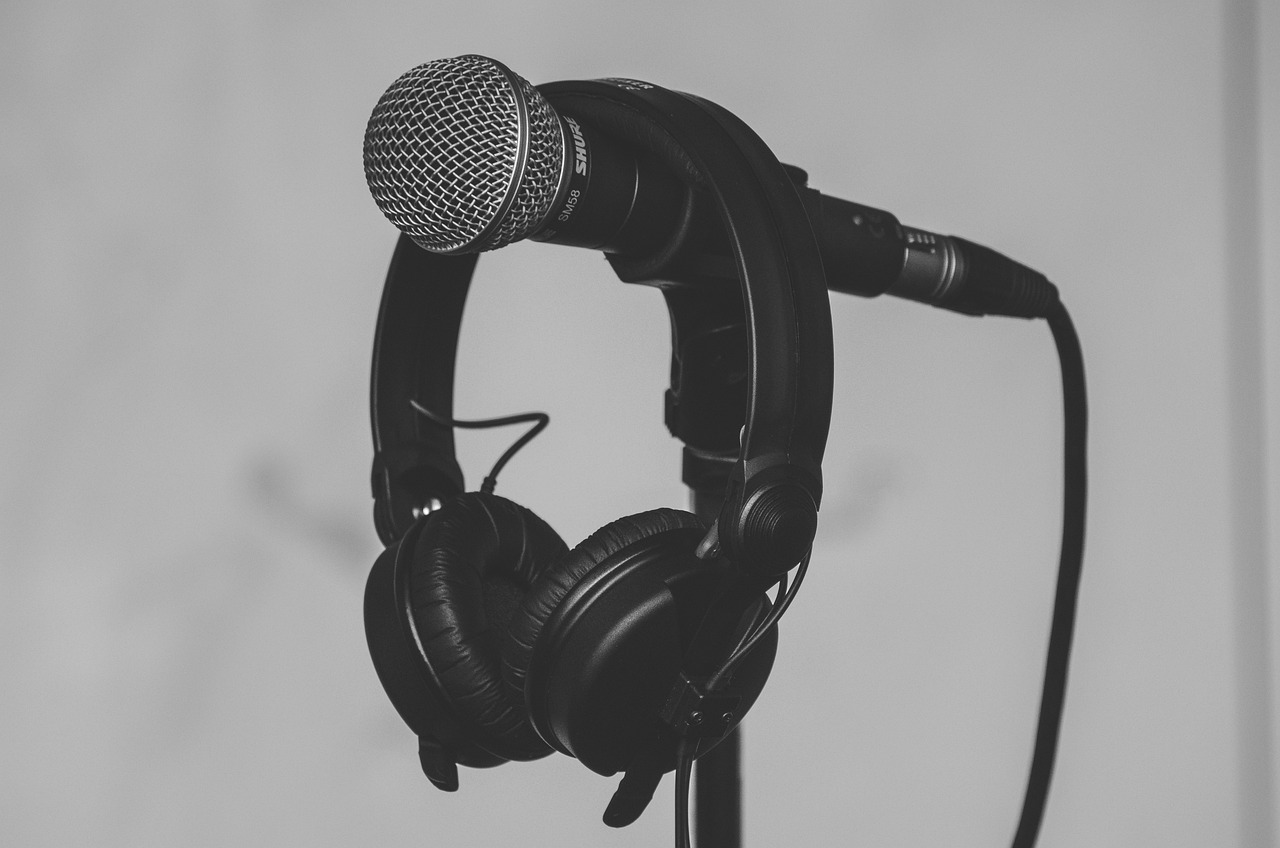
Another essential element in your streaming audio setup is the microphone. Investing in a quality microphone can drastically improve the clarity of your sound. USB microphones are generally easier to set up, while XLR microphones offer greater quality and flexibility but require additional interface equipment. Choose a microphone that fits your streaming style, whether you’re streaming gameplay commentary, music, or podcasts. Ensure that your microphone is positioned appropriately to capture the best sound possible; distance and angle play significant roles in audio quality. It’s often recommended to utilize a shock mount and a pop filter with your microphone to eliminate unwanted noises and plosive sounds. Shock mounts reduce vibrations and handling noise, while pop filters soften consonant sounds, preventing distortion in your audio. Regularly test your microphone setup to ensure it meets your expectations before streaming. Your viewers will appreciate clearer audio, and it may encourage longer viewing sessions and higher viewer retention. Remember, a solid audio foundation can be the difference between a mediocre stream and a memorable one that engages your audience effectively.
Utilizing Monitoring Tools
Monitoring your audio in real-time is crucial for a successful streaming experience. Tools such as headphones allow you to hear your audio output directly as it’s being transmitted. This practice enables you to catch any unwanted noise or distortions immediately and adjust your settings in real time. Many streaming software programs include monitoring features that facilitate audio level assessments. When configuring your audio settings, make sure to enable monitoring to hear exactly what your audience hears. Adjusting your levels during the stream can significantly enhance your tonal balance. It is best to keep your audio peaks at around -6dB to -12dB to avoid clipping, which can seriously degrade audio quality. Additionally, actively listening while streaming allows you to remain aware of any changes in the environment that might affect your sound. Don’t shy away from making adjustments on the fly; your attentiveness can drastically improve your streaming quality. Establish a comfortable setup, from microphone placement to monitoring options, that makes it easy for you to maintain a clear and balanced audio experience for your viewers.
Audio enhancements do not solely depend on filters and microphones; soundproofing your streaming environment also creates better audio quality. Minimizing external noise can significantly enhance your audio clarity. Consider using soundproofing techniques such as acoustic panels, foam, or curtains to dampen echoes and unwanted sound reflections. These materials absorb sound waves, ultimately improving the acoustics of your streaming space. Setting up your stream in a designated area can further control environmental factors that affect audio quality. When possible, choose a location with minimal background noise and distractions. Moving away from noisy appliances or external sources of sound can immensely aid in achieving cleaner audio. Should you be unable to soundproof entirely, try to stream during quieter hours when the surrounding environment is less active. Finally, regularly evaluate your streaming space to identify any areas needing improvement. By being proactive in controlling your audio environment, you create a more professional and enjoyable stream for your audience. This attention to detail can ensure your audio remains at the forefront of your streaming efforts.
Engaging With Your Audience’s Feedback
Lastly, integrating audience feedback into your streaming audio quality can yield valuable insights. Regularly solicit feedback during your streams about audio performance, and ask your viewers whether they experience disruptions or clarity issues. Utilizing comment sections and direct messages can provide information on how your audio is perceived. Proactively check in with your audience about their preferences regarding audio levels and enhancements. Some audiences might prefer stronger vocals with less background noise, while others may enjoy a more balanced mix. Encourage constructive criticism through polls or questions, making your viewers feel involved and valued. By engaging actively, you’re fostering a community that is invested in your content, making it more likely they’ll return to future streams. Don’t hesitate to make adjustments based on viewer insights, taking a flexible approach to refining your audio setup. Your commitment to enhancing the viewer experience establishes credibility and professionalism in your streaming endeavors. Ultimately, creating a win-win relationship with your audience not only improves your audio quality but also strengthens viewer loyalty over time.
In conclusion, setting up audio filters and enhancements within your streaming software is essential for delivering high-quality streams. Experimenting with noise gates, compressors, and equalizers can greatly improve audio output. Coupling these tools with quality microphones, active listening, and environmental control will create a professional sound. Additionally, don’t forget the importance of continuous improvement by engaging with your audience and considering their feedback. Each step taken in refining your audio setup makes a significant difference in your stream’s success. Stay proactive, test extensively, and adapt your strategies as needed. A well-optimized audio experience will not only attract viewers but also foster a loyal community eager to engage with your content.