
How to Recognize and Avoid Phishing Attempts on Kik
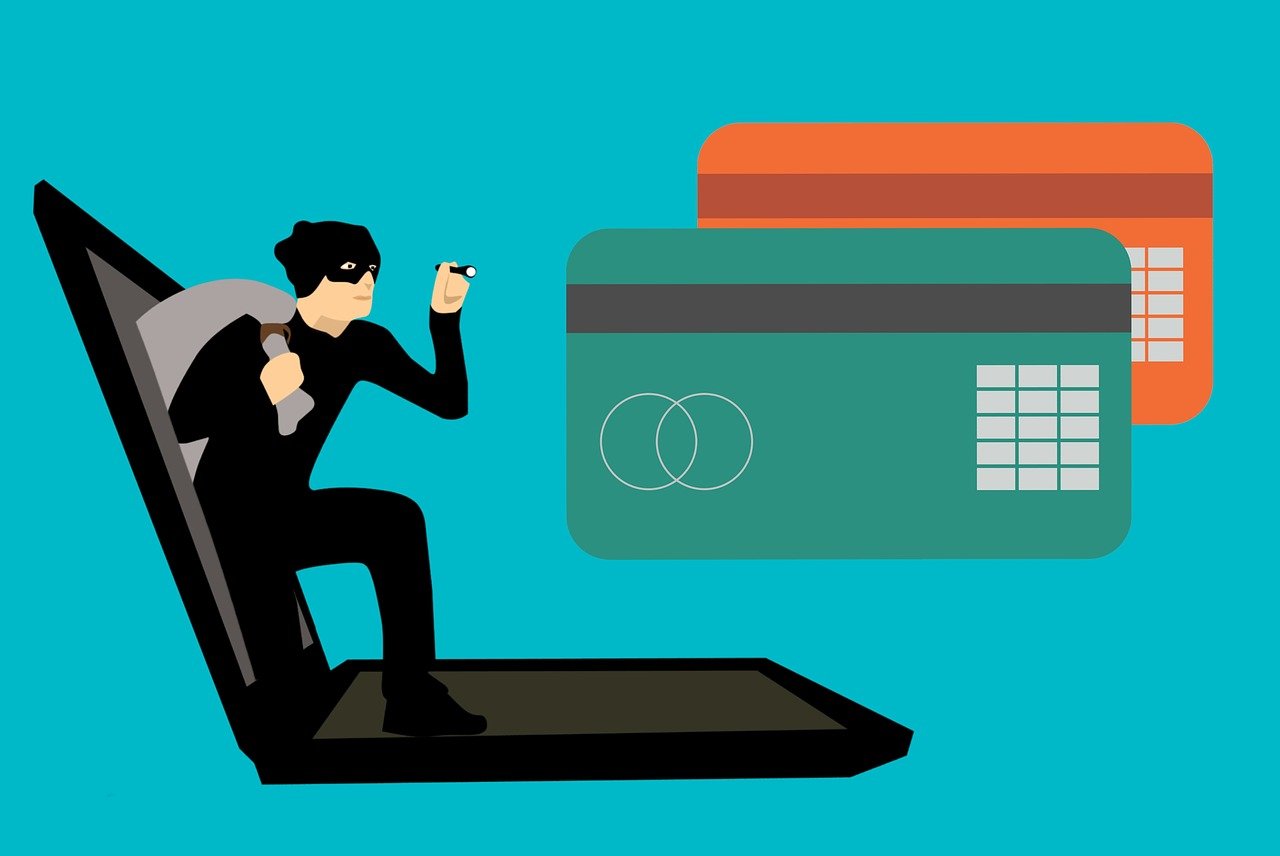
Phishing has emerged as a dangerous tactic used in social media, including Kik. Users must be vigilant when interacting with unknown contacts on this platform. Cybercriminals often disguise themselves, posing as trusted figures to steal personal data. Be wary of messages that ask for sensitive information or direct you to unfamiliar websites. Legitimate services will never request your password through direct messages. Always check the sender’s details before engaging in conversation. Develop an understanding of common phishing strategies to better protect yourself. For instance, scammers often create urgency, provoking quick responses. They may use alarmist language or threats to compel you to act without thinking. Additionally, watch for misspellings and poor grammar, as these are often red flags. Stay informed about Kik’s guidelines on privacy and security, and report suspicious behavior immediately. Encourage friends and family to do the same, as awareness is key to preventing attacks. By staying informed, you enhance your safety and experience while using Kik effectively. Moreover, understanding your privacy settings within Kik can provide an extra layer of protection against these deceptive tactics.
Always be cautious when clicking links in any Kik messages. Even if the message appears to come from someone you know, it could be a compromised account. Verify the link’s legitimacy before clicking through or entering any information. A common tactic used by phishers involves shortening URLs, making it difficult to determine the web address’s legitimacy. Use a URL expander tool if necessary to see the full link, ensuring it’s directed to a safe site. Additionally, familiarize yourself with Kik’s reporting features, as they allow users to block and report suspicious accounts. Regularly remind your contacts, especially younger or inexperienced users, to be cautious about sharing personal information over Kik. Review your profile privacy settings frequently, ensuring only approved contacts can access your information. This small act can mitigate risks significantly. Always stay updated on security practices and learn to recognize signs of phishing. If uncertain about a message’s authenticity, contact the person directly through another means or ask for confirmation. Supporting each other in vigilance will create a safer Kik environment for everyone, fostering a community that prioritizes privacy and security while using the platform actively.
Understand your instincts when browsing Kik; trust your gut feeling. If a conversation feels wrong or a message seems out of character from a friend, investigate further before responding. Cybersecurity experts recommend ignoring unsolicited requests for sensitive data. Instead of providing personal details, encourage a direct conversation about their legitimacy. Utilize Kik’s privacy features to limit who can connect with you. This can effectively reduce the chances of encountering a phishing attempt. Regularly update your app to benefit from security enhancements and tools that Kik may implement. By utilizing the latest version, you could enjoy improved security measures against phishing. Additionally, think critically about conversations that develop unusually quickly. Scammers often use fast-paced dialogue to confuse their target, hoping they will reveal personal information. Therefore, take a moment to step back and evaluate the conversation before divulging any details. Report suspicious messages to Kik immediately, providing necessary details as evidence. This action not only protects you but also helps safeguard the Kik community, contributing to a more secure platform. Remember that awareness and proactive measures can significantly reduce your vulnerability to phishing on Kik.
Developing Strategies to Enhance Kik Privacy
Implement proactive strategies to enhance your privacy on Kik continuously. These can significantly reduce your exposure to phishing or scams. First, ensure that your profile information is minimal and only includes necessary details. Avoid disclosing personal identification, such as your phone number or address, which can be exploited by malicious users. Opt for a username that doesn’t reference your real name and keep your display picture generic. Avoid images that could identify you in real life and use alternate photographs that don’t compromise your privacy. Regularly review your friend list, removing contacts you no longer communicate with to limit exposure and potential threats. Consider the implications of group chats too, as these can expose your account to multiple contacts simultaneously. Always avoid sharing secretive materials or personal discussions in these settings. If an unknown user attempts to reach out to you, don’t engage without verifying their identity. Be conscious of Kik’s community guidelines and privacy settings, adapting them to enhance your experience. Overall, cultivating a cautious approach while using Kik is vital in fostering a safer platform for yourself and others.
Be wary of sharing accounts or credentials linked with Kik. Discussions regarding account sharing often lead to phishing attempts, as scammers can exploit users’ trust. Highlight the need for individual account security by maintaining distinct login details. Engaging with security practices, such as using a password manager, can enhance the safety of your accounts further. Consistently update your password to strengthen security; consider using a blend of uppercase and lowercase letters, numbers, and symbols to create a robust password. Opt for two-factor authentication whenever it’s feasible to add an extra hurdle for any unauthorized access. When possible, rely on Kik’s security measures like recommended security settings. Discover how to configure notifications related to suspicious logins and stay updated in case your account faces potential threats. Ensure that your devices are protected with trusted antivirus software and consistently scan for malware or vulnerabilities. Furthermore, keep your operating system and applications updated. Outdated software often falls prey to exploitation through known vulnerabilities. Adequate updates play an essential role in fostering security and protection within Kik and other applications you use daily.
Real-Life Examples of Phishing on Kik
Familiarize yourself with real-life examples of phishing attempts that have occurred on Kik to understand potential dangers. These incidents reveal the tactics scammers employ to deceive users effectively. For instance, one user received messages posing as Kik’s support, advising them to click a link to resolve account issues. Upon clicking, they were directed to a fraudulent site resembling Kik but intended to harvest personal data. Similarly, others received direct messages offering free gifts or promotions, luring users to provide personal details, proving that unsolicited offers are often scams. Awareness of these instances serves as an essential defense mechanism against phishing. Trusted organizations will rarely reach out via direct messaging, especially for sensitive matters. Should you receive such communications, verify their authenticity through official channels. Additionally, being aware of months when scams peak, such as during festive seasons, can enhance your caution. Such knowledge helps you stay alert and cautious during these times when scammers also increase their activities. Encourage discussions within your circles about recent scams for better preparedness against emerging threats.
To cultivate a robust sense of security, share knowledge about phishing and privacy strategies within your Kik community. Understanding these guidelines fosters group vigilance. Regularly discussing experiences and concerns regarding online interactions can empower users to act responsibly. Use details from credible resources addressing Kik’s safety and privacy to educate others. The more individuals understand the risks and strategies, the safer the environment becomes. Encourage others to practice skepticism; it’s an effective strategy against manipulation by phishers. Creating a supportive community where users can expose various concerns will only enforce trust. Highlight the importance of reporting suspicious activity through Kik’s channels diligently. This collective effort contributes to ongoing safety for all users. Additionally, investing time in learning about cybersecurity through classes or workshops can considerably enhance your knowledge base. Encourage others to participate in such activities to improve their online security perspectives. This grassroots movement toward enhanced security can shift the culture on Kik, positioning your community as a leader in privacy awareness. Ultimately, fostering vigilance contributes to a positive Kik experience, collaborating toward a safer network.
Finally, ensure an ongoing commitment to improving personal and collective security while using Kik. Regular reviews of security practices, coupled with informative sessions, can create an insightful community. Encourage everyone to share updates on their practices, leading by example. Within your organization or friend group, set periodic sessions to discuss any new information related to phishing threats you encounter, intending to keep everyone informed and safe. Again, embrace the collaborative nature of learning—sharing knowledge is a powerful tool. Social media platforms like Kik need users who are aware and proactive in maintaining their security, making discussions around these matters fundamental. Leveraging multiple mediums like forums and blogs can enhance your understanding further. Consider following experts who provide insights into effective strategies and trends in online safety. Making it a habit to regularly check resources on phishing will enhance your insight into changing tactics used by scammers. Your efforts will help in creating a more aware community, reducing the risk of phishing attempts. Everyone deserves a safe experience on social media, harnessing collaboration within Kik contributes to a safer, more enjoyable environment for all users.