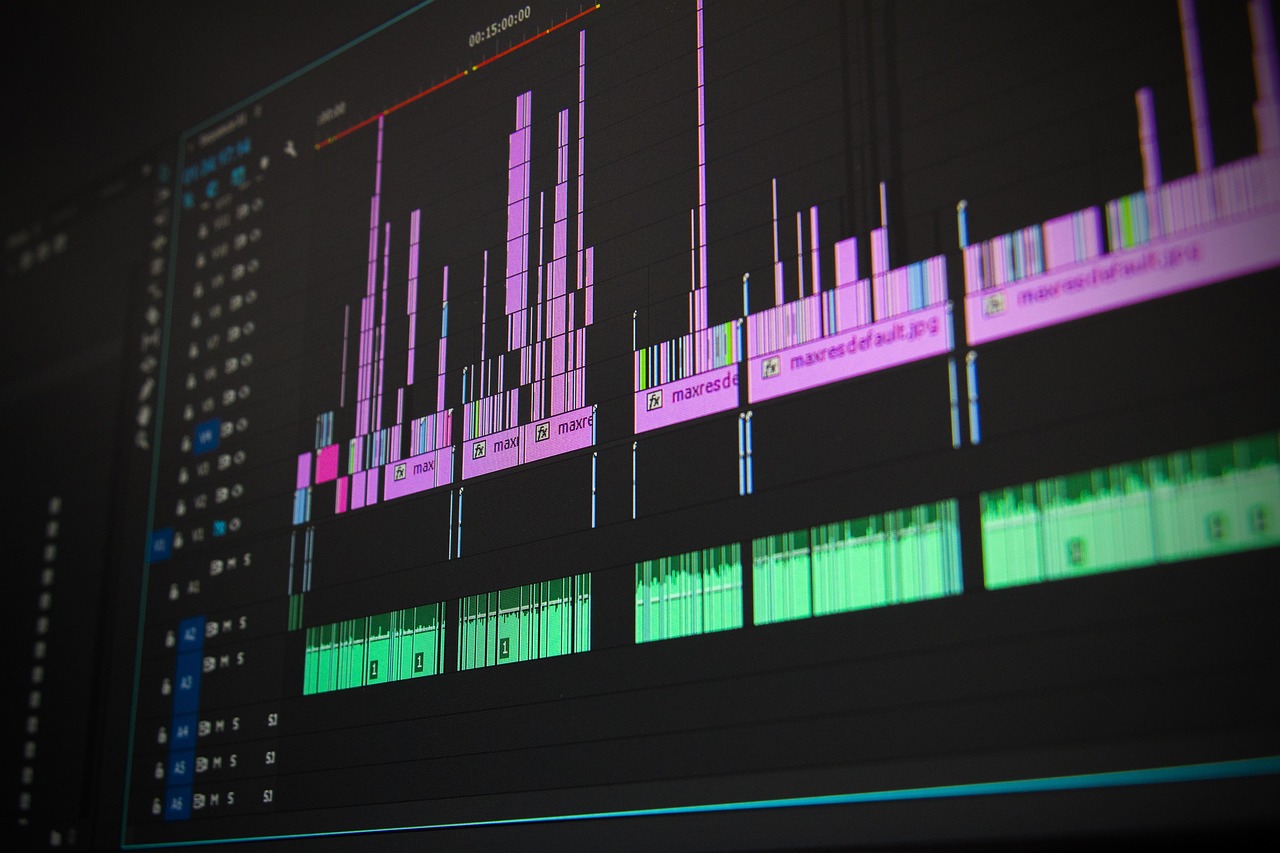

Mastering YouTube Editing: A Beginner’s Guide to Editing Software
YouTube content creation has evolved rapidly, leading to the need for effective editing software tutorials. Learning the right software can significantly enhance your video quality and viewer engagement. Many beginners feel overwhelmed by various choices, which may include popular platforms such as Adobe Premiere Pro, Final Cut Pro, and DaVinci Resolve. Each of these applications has unique features catering to different editing styles and needs. For instance, Adobe Premiere Pro is renowned for its flexibility and extensive plugins, while Final Cut Pro is often favored for its user-friendly interface and optimization for Mac users. You can start your journey by selecting software that aligns with your personal style and niche. Understanding the basics of the selected program is essential for mastering video editing techniques. Tutorials on YouTube can be an invaluable resource. By choosing detailed guides and watching hands-on demonstrations, you can learn to navigate tools, cut and splice footage, and add effects. Online forums and communities can also provide support and feedback as you refine your skills. Make a commitment to learn each feature progressively, and you will create engaging content that resonates with viewers.
Editing software knowledge is essential for producing engaging content on YouTube. Familiarizing yourself with the interface and basic functions is the vital first step. Many popular editing programs offer trials or basic free versions that let you explore before making a commitment. This trial run can help you discover which software you feel most comfortable with. Look for tutorial videos that walk you through the entire editing process, from importing footage to exporting your final video. Understanding the terminology used in editing is equally important to effectively communicate with fellow content creators. Get accustomed to key phrases such as ‘timeline’, ‘layers’, ‘audio mixing’, and ‘color grading’. Consider creating a checklist of features you need based on your content type, such as screen recording for tutorial creators or advanced animations for gaming videos. Don’t forget to use keyboard shortcuts to enhance your editing workflow. Mastering these tools will significantly reduce your editing time and improve your productivity. Take the time to experiment with transitions and effects after establishing the basics. With consistent practice, you will enhance your skills and find your unique editing style. Focus on storytelling through editing techniques will attract more viewers.
Essential Editing Techniques for Beginners
There are several essential editing techniques that every beginner should master. Start with understanding the fundamentals of video trimming and splicing. These techniques allow you to remove unwanted sections and combine multiple clips into a cohesive narrative. Transition effects, such as fades and wipes, can enhance the flow of your video. Creating visually appealing content often includes incorporating music, sound effects, and voiceovers, so it’s beneficial to learn audio editing alongside video techniques. Ensure the audio levels are consistent throughout your content for a professional finish. Color correction and grading are also vital. This process enhances the visual appeal and mood of your videos, making them more engaging. Familiarize yourself with adjustments like brightness, contrast, saturation, and hue to improve your video’s aesthetics. Another crucial skill is working with text overlays or captions, which can help emphasize important points or make your videos accessible to a broader audience. Understanding how to effectively edit and sync layers will help create dynamic content. Don’t rush the learning process; invest time into practicing these techniques, and utilize online resources like forums and community groups to share your progress and learn from others.
As you advance in your journey, consider incorporating more advanced techniques into your editing repertoire. One such technique is motion graphics, which can add an engaging layer to your storytelling. Programs like Adobe After Effects can provide comprehensive tools for bringing dynamic visuals to life. Learning to animate text and shapes can capture viewers’ attention and differentiate your content. Additionally, explore the world of special effects. Simple effects such as slow-motion, fast motion, and green screen techniques can enhance your storytelling. Utilize tutorial resources to understand the steps necessary to create these effects effectively. Another important aspect is mastering the art of pacing. Adjusting the speed of cuts and transitions can convey the right emotional tone and energy level for your videos. Experimenting with rhythm in your edits will help maintain your viewer’s attention throughout. Creating a distinct style by combining techniques will lead to a more recognizable brand image. Consistency is key. Analyze successful YouTube channels for inspiration while developing your unique signature style. As you gain confidence, challenge yourself with complex projects to continue honing your skills and understanding of the editing software.
Choosing the Right Software for Your Content
The significance of selecting the appropriate editing software for your YouTube content cannot be overstated. Each editing software comes with varying features, performance capabilities, and user experiences tailored to different types of video creators. Considering your intended content type is essential. For example, travel vloggers may prioritize easy-to-use features for quick edits, while filmmakers may require advanced color grading and audio mixing capabilities. Evaluating your budget is crucial, as some programs require a one-time purchase or subscription fee. Free options are available, but they might limit functionality or have watermarks. Familiarize yourself with user reviews and testimonials, as they provide insight into the software’s pros and cons. Consider the learning curve associated with your chosen platform. If an application feels overwhelming, it may hinder your creative process. Determining compatibility with your operating system and hardware is also necessary. Research the system requirements to avoid unexpected performance issues. Once you’ve chosen your software, commit to detailed tutorials and practice regularly. Your growing proficiency will help create compelling videos that resonate with audiences and reflect your creative vision.
Networking with other creators can greatly enhance your editing skillset and content quality. Collaboration is key in the YouTube community. Engaging with fellow creators allows you to exchange tips and insights while fostering relationships that can lead to fruitful partnerships. Join online forums, social media groups, and local creator events to expand your network. Attending workshops and tutorials can also introduce you to industry experts who share valuable editing advice and feedback. Constructive criticism is essential for growth, so don’t hesitate to share your work with others and ask for their input. It’s important to adapt to ongoing trends as the YouTube landscape continually evolves. Stay updated on popular editing styles, software updates, and innovative techniques to keep your content fresh and relevant. Be receptive to incorporating new ideas into your work. More than just the technical aspects, focus on developing your voice and storytelling abilities through editing. Experiment with various styles, find what works best for you, and learn how to engage your audience effectively. As you build your skills, remember that practice, feedback, and a willingness to learn will lead to continued growth in your editing journey.
Final Thoughts on Mastering Editing Software
In conclusion, mastering YouTube editing software is a continuous process that requires dedication, practice, and a willingness to learn. No matter the platform you choose, understanding the basic functions and progressively honing your skills will result in higher quality content. Utilize the abundance of online resources, including tutorials and community forums, to bolster your learning. It’s essential to develop your editing style that reflects your unique voice while incorporating popular techniques that resonate with your audience. As you experiment with editing styles, analyze the performance of your videos. Utilize analytics provided by YouTube to gauge viewer engagement, retention, and feedback, which will offer insights into what works best and what needs improvement. Additionally, stay open to evolving your approach as the platform changes and audience interests shift. Engaging with the YouTube community will enrich your experience and knowledge as a creator. Invest time in networking, learning from peers, and sharing experiences to navigate the creative challenges. By remaining committed to your craft, you will enhance your storytelling abilities and grow an audience that values your content, ensuring success in your YouTube journey.
Editing content effectively for YouTube can significantly impact your video’s reception. Leveraging available software tools efficiently provides an edge and builds your unique channel identity. Relying on engaging visuals and compelling stories captivates viewers and keeps them returning for more. Explore available software options, match them to your content goals, and take the time to develop your editing skills. From understanding basic functions to experimenting with advanced techniques, each step brings you closer to mastery. Encourage creativity and adapt to technological improvements, as the editing world constantly evolves. Stay current with trends and tools while weaving your artistic flair into the content. Confidence will develop over time by consistently practicing and sharing your work with others. The supportive YouTube community will inspire and motivate you along your journey. Challenge yourself and learn to embrace constructive criticism, fostering an environment of growth. You have the potential to shine with dedication and persistence in creating remarkable video content. Keep in mind that even the most accomplished creators started from humble beginnings. With the right knowledge, tools, and effort, your editing skills will flourish, contributing to captivating content that draws in likely viewers.