
Using Soundboards to Enhance Audience Interaction in Live Streams
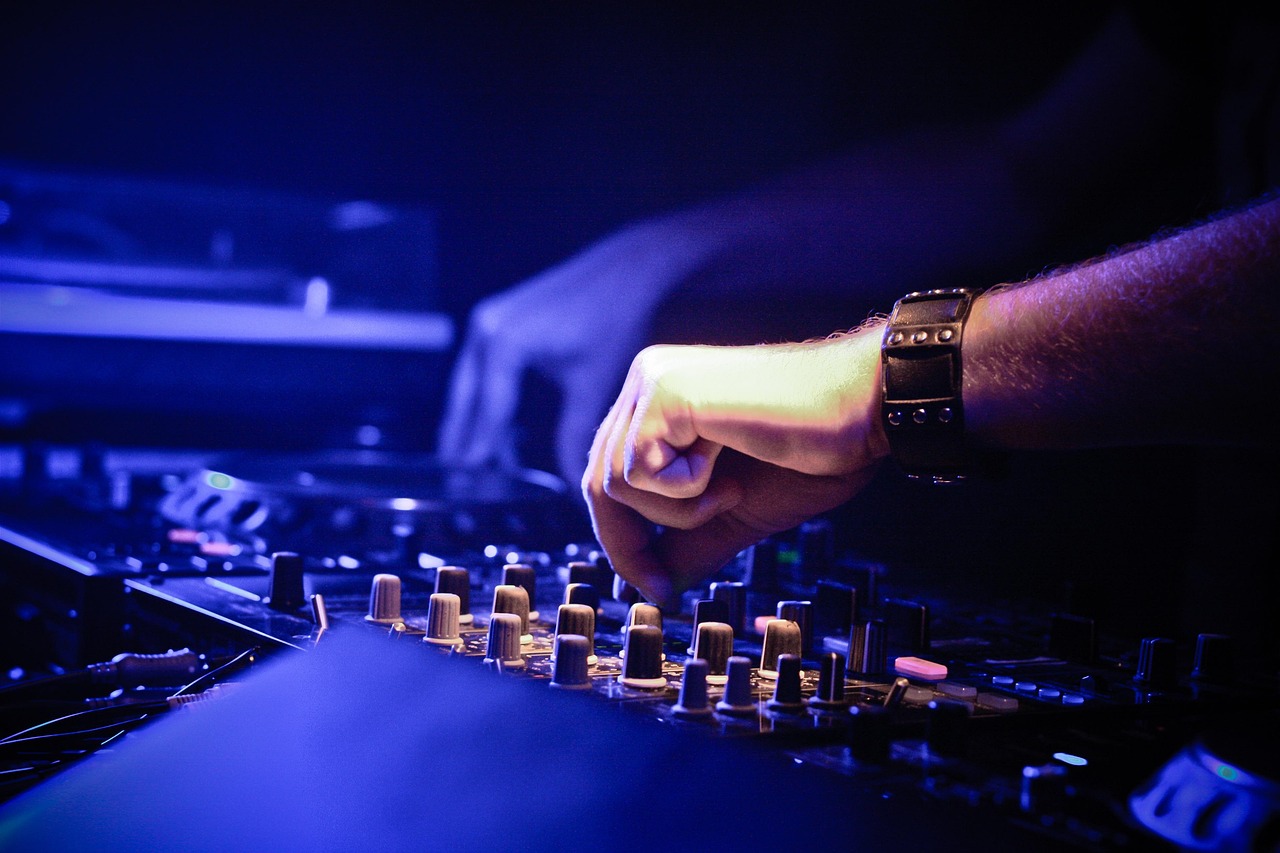
In the world of live streaming, audio quality plays a pivotal role. One essential tool for achieving this quality is a soundboard. A soundboard enriches the streaming experience by delivering various audio effects and pre-recorded sounds, which can engage viewers at different interaction points. Utilizing a soundboard allows streamers to integrate playful sound effects, like laughter, applause, or suspense sounds, fostering a dynamic and entertaining environment. Moreover, a well-set soundboard can add depth and enhance storytelling during streams. To effectively use a soundboard, it is crucial to understand the audience. Knowing their preferences can help you select the right sound effects, creating a more personalized experience. Properly timing the use of sounds can also draw more attention to pivotal moments during the stream, thereby captivating your audience’s undivided interest. Remember, interactions are essential for live engagement, and audio play can facilitate and elevate conversations between the streamer and the audience. Keeping things fresh with sound effects can encourage viewers to participate actively and express themselves through chat, thus creating a memorable live stream experience.
Another significant advantage of soundboards is their compatibility with various streaming apps and setups. Whether you’re using OBS Studio, Streamlabs, or any other platform, soundboards can usually integrate seamlessly. Documentation and tutorials are plentiful online, helping beginners set up these tools for maximum effect. Some soundboards also support hotkeys, allowing seamless triggering of sound effects while streaming without disrupting the flow. This functionality can help maintain the pace of your presentation, which is crucial during live interactions. Viewers appreciate moments that feel organic and spontaneous, giving them an immersive experience. Don’t overlook the power of individual sounds—cues for notifications, alerts, or even brief jingles can keep the audience engaged and elevate production value. Having a variety of sounds stored for different scenarios can be beneficial, too. Making regular changes and additions to the soundboard keeps the content fresh, encouraging viewers to return for more. Consider also testing sounds before going live. This pre-stream polish ensures everything works as expected, avoiding any mishaps. Overall, the combination of good sound setup and effective communication creates a strong bond.
Engaging the Audience through Effective Sound Use
Engaging your audience is crucial for live streaming success. Soundboards can significantly enhance this interaction with clever audio cues tailored to specific moments. For instance, using a celebratory sound when hitting a streaming milestone can boost involvement, making viewers feel part of the achievement. Additionally, utilizing comedic sound effects during a joking moment can prompt spontaneous chat responses, promoting engagement across the platform. Streamers often forget that the audience communicates not only through text but also through reactions and engagement with audio. Consider incorporating ambient sounds to add layers to your content while maintaining a close relationship with your viewers. Ask them for their favorite sound effects and adapt accordingly—this creates a personalized experience and fosters community. Polls and chats can also gather opinions and feedback about sound suggestions. By actively incorporating audience input, streamers make their viewers feel valued, thus enhancing retention rates. Remember, a dynamic soundboard enhances the flow of conversation and contributes to memorable moments, making your streams distinct and enjoyable for all involved. Harnessing the right tools can significantly elevate online interactions.
Another critical factor to consider is balancing audio levels. While sound effects can add excitement, overly loud sounds can disrupt communication, distracting from the streamer’s message and content. Monitoring your audio levels ensures a seamless experience for both the streamer and the audience. Utilize monitoring headphones to hear exactly how sound effects integrate into your live stream environment. If your hardware or software allows, implement audio ducking features, which automatically adjust background sounds when a voice is present. This functionality can help maintain clarity while still allowing sound effects to enrich the atmosphere. Furthermore, consider establishing a sound signature—a unique or repetitive sound that underscores key elements in your show. Viewers will begin to associate this sound with your brand, creating a stronger identity for your content. Consistency across your streams helps build familiarity, making your content memorable. Be mindful of genre when selecting sounds; different sounds resonate differently based on your niche. For instance, gaming streams might utilize action sounds, while educational streams may prefer subtle tones. Understanding your audience will always be essential.
Tools for Setting Up Your Soundboard
Choosing the right soundboard can significantly impact your live streaming experience. Numerous soundboard applications are available to suit various streaming needs and compatible with standard audio interfaces. Software options vary from simple, free applications to advanced, paid software. Researching and testing multiple options helps you find the most intuitive and effective soundboard for your setup. Compatibility is an important aspect to consider; make sure that the soundboard tracks audio effectively with your streaming hotline. Additionally, look for features such as customizable playlists and categorization of sounds for easy access during a live stream. Online communities and forums can provide valuable insights and recommendations on the best soundboards for specific purposes. Remember that while software is crucial, your hardware also needs attention. Investing in quality microphones and audio interfaces ensures superior sound quality. A good audio interface can help reduce latency, providing a better experience for your audience. It’s also essential that the soundboard fits seamlessly into your overall equipment and doesn’t complicate your workflow. The right configuration will make your streams more enjoyable for both you and your viewers.
Experimenting with different sound effects is vital in creating a unique streaming experience. Streamers should frequently refresh their soundboards to keep things exciting and engaging. Feedback from viewers can guide your sound choices, helping you understand their preferences. Conduct regular reviews of what sounds resonate well and adjust your soundboard materials accordingly. Interactive elements, like polls for sound effects, allow audience members to vote for their favorites, fostering community involvement. Doing so is an excellent way to build a bond and promote active participation. Another aspect to explore is the timing of sound effects. Using sounds at the right moments can enhance comedic timing, build suspense, or underscore achievements during your stream. Timing, combined with audio quality, can make all the difference in your audience’s perception and enjoyment of the content. Streamers must remain focused on delivering an engaging experience layered with audio elements that subtlety entertains while keeping the narrative flowing. The goal is to enrich the viewer’s experience without interrupting the content itself, leading to higher viewer satisfaction, more return visits, and a loyal following.
Conclusion: Mastering Soundboards for Maximum Impact
To conclude, utilizing soundboards effectively can transform the way streamers connect with their audiences. The right soundboard, combined with other audio equipment and user feedback, is essential for creating a captivating live streaming environment. Consider experimenting with both effects and music to determine what best fits your stream’s theme and enhances viewer interaction. Successful execution of the soundboard leads to improved audience involvement, resulting in consistent growth in engagement metrics. Invest time in understanding your audience to gauge what they enjoy, making them integral to your sound choices. Remember to balance sound levels appropriately to prevent disruption to the conversation and content of your stream. After all, the goal is to create an immersive experience that feels organic and spontaneous. Finally, don’t shy away from continuous testing and adjustment to achieve the perfect setup. Each stream provides a learning opportunity. Making the soundboard your ally can enhance the experience both for you and your viewers. Continuous improvement in your sound setup translates to memorable moments, which are crucial for long-term audience retention.
Using Soundboards to Enhance Audience Interaction in Live Streams
In the world of live streaming, audio quality plays a pivotal role. One essential tool for achieving this quality is a soundboard. A soundboard enriches the streaming experience by delivering various audio effects and pre-recorded sounds, which can engage viewers at different interaction points. Utilizing a soundboard allows streamers to integrate playful sound effects, like laughter, applause, or suspense sounds, fostering a dynamic and entertaining environment. Moreover, a well-set soundboard can add depth and enhance storytelling during streams. To effectively use a soundboard, it is crucial to understand the audience. Knowing their preferences can help you select the right sound effects, creating a more personalized experience. Properly timing the use of sounds can also draw more attention to pivotal moments during the stream, thereby captivating your audience’s undivided interest. Remember, interactions are essential for live engagement, and audio play can facilitate and elevate conversations between the streamer and the audience. Keeping things fresh with sound effects can encourage viewers to participate actively and express themselves through chat, thus creating a memorable live stream experience.