
How to Schedule YouTube Videos from Mobile Devices Effectively
Scheduling YouTube videos from mobile devices can streamline your content creation process and increase your productivity, especially when on the go. With the rise of mobile technology, many creators now prefer using their smartphones or tablets for managing their YouTube channels. To get started, ensure that you have the official YouTube app installed on your device. Next, log into your YouTube account and upload the video you wish to schedule. During this process, you need to select the privacy settings; choose ‘Scheduled’. This option allows you to pick a specific date and time for your video to go live. To further enhance your video’s visibility, consider adding a compelling title, description, and tags. Make sure to include high-quality thumbnails to attract viewers. By utilizing this feature, you can maintain a consistent posting schedule, even when busy. Additionally, it helps you reach your audience at optimal viewing times, enhancing engagement. Explore various tools provided by the app to keep track of your scheduled uploads and monitor feedback through comments and analytics.
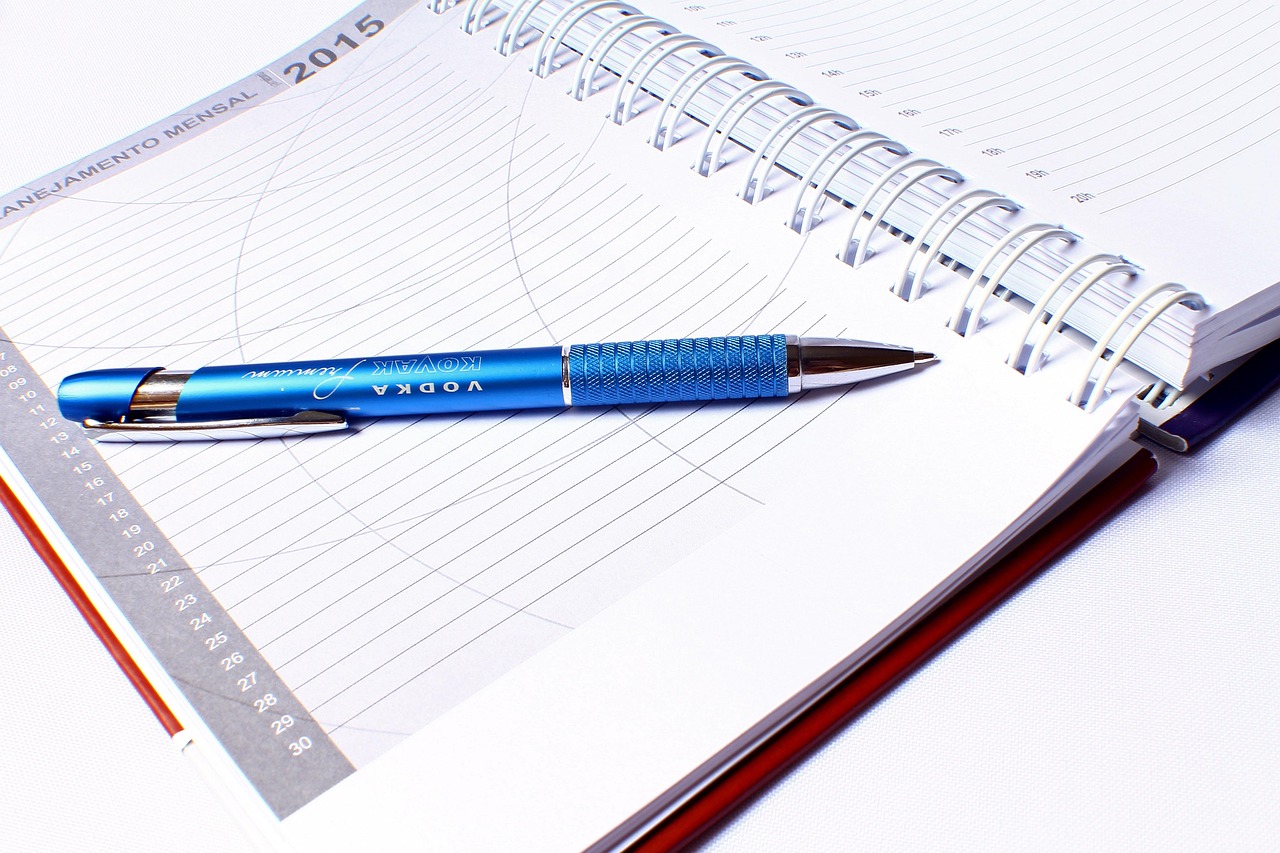
Another important aspect of effectively scheduling YouTube videos is planning your content ahead. Creating a content calendar can be beneficial for organizing your video ideas, themes, and release dates. This helps in maintaining consistent uploads, which is crucial for audience retention and growth. While on your mobile device, you can easily jot down video ideas in notes apps or use scheduling tools like Google Calendar. Doing this allows you to visualize your content strategy better and ensure a balanced mix of video types. For instance, you can alternate between tutorials, vlogs, and Q&A sessions, keeping your content fresh. Additionally, remember to research your target audience’s preferences to tailor your content accordingly. Interactions such as comments and likes on your previous videos can offer valuable insights. Utilize online forums or social media to engage with your viewers and understand what they want to see from you. Being responsive to your audience’s needs can significantly improve your channel’s performance and create a loyal following. Overall, thoughtful planning on your mobile device can greatly enhance your scheduling process.
Maximize Engagement with Timely Releases
To maximize engagement, consider the timing of your scheduled video releases. Utilize YouTube analytics to pinpoint when your audience is most active. This data can help you choose ideal times to publish your videos, ensuring that they reach the maximum number of viewers. Many creators report higher engagement rates when they align their video releases with audience activity peaks. Using your mobile device, access the YouTube Studio app, which provides access to analytical tools and insights. With this information at your fingertips, adjust your scheduling practices based on what the data shows. Scheduling your videos at strategic times not only boosts visibility but also fosters ongoing audience interaction. Consider creating countdowns or teasers on your channels leading up to the scheduled release to keep your audience excited and engaged. These tactics can enhance anticipation and attract more viewers right from the start. Don’t forget to encourage viewers to hit the notification bell, ensuring they are alerted when your video is live. This aids in building excitement around your content and enhances overall channel engagement.
Mobile devices allow for quick edits when scheduling your videos. Should you require any last-minute adjustments, you can swiftly make changes from anywhere. The YouTube mobile app has user-friendly features that permit you to fine-tune your video details, update thumbnails, or modify descriptions on the go. For instance, if you discover a trending topic that aligns with your content, you can quickly adjust your metadata to capitalize on that trend. Moreover, having the ability to monitor comments and viewer reactions from your mobile device allows you to respond quickly, encouraging community engagement. This connection is essential for cultivating a loyal audience. Creating short videos or trailers specific to upcoming scheduled videos can provide additional content that builds anticipation among your viewers. Engage your audience with polls or questions, and incorporate their feedback to make your content even more relevant. Effective communication with your audience using mobile devices can truly set your channel apart. Utilizing these capabilities effectively ensures you remain in touch with your followers and keeps your content fresh and appealing.
Leveraging Social Media for Promotion
Utilizing social media is essential when it comes to promoting your scheduled YouTube videos. Share links to your videos and create posts that highlight your scheduling strategy across platforms such as Instagram, Twitter, and Facebook. This can attract a larger audience and encourage your existing followers to share your content. Additionally, engage with your audience through stories or live sessions on these platforms to keep them informed about future uploads. Sharing sneak peeks or behind-the-scenes looks at your content can also generate buzz and excitement. It allows your followers to feel a part of your creative journey. When using your mobile device, take advantage of social media scheduling tools, which aid in planning and automating your posts. This can save time while ensuring that your promotions are timely and effective. Utilize hashtags relevant to your content to extend your reach and attract new viewers. Don’t forget to engage with comments on your social media posts, building relationships with potential viewers and enhancing your channel’s visibility. Each platform has its unique audience, so tailor your promotional content accordingly.
In addition, consider collaborating with other creators to broaden your audience while managing schedules. Collaborations can introduce your content to new viewers who are already interested in similar topics. When scheduling a collaboration, be sure to communicate clearly with your partner about the timing of your uploads. This will ensure both channels benefit from the shared audience effectively. Utilize mobile devices for seamless communication and planning, ensuring a smooth collaboration experience. Joint promotions on each other’s channels can significantly raise awareness for both parties. Use your mobile for documenting both your individual content and the collaborative efforts, allowing for engaging behind-the-scenes material to share with fans. These collaborations not only promote your scheduled videos but also enable networking opportunities that can lead to future partnerships. Viewer engagement often increases when audiences see creators working together, as it provides fresh perspectives and diverse content. Keep your collaborations exciting and trendy by implementing new ideas or challenges. The interaction can lead to improved viewer retention rates and expand overall channel reach.
Final Thoughts on Mobile Scheduling
Finally, always stay updated with the latest mobile app features and YouTube updates. YouTube regularly refines its platform, adding new tools and features that help creators schedule their content effectively. Staying aware of these changes can provide an advantage. Mobile devices allow for quick adaptations to maintain relevance in the rapidly evolving digital landscape. Regularly check for updates in the YouTube Studio app and familiarize yourself with new functionalities. This ensures you’re making optimal use of the platform’s capabilities. Additionally, solicit feedback from your audience regarding your scheduling times and engage in discussions to find the best practices for your channel. Understanding your audience and remaining adaptable to their preferences can significantly impact your success on YouTube. Don’t hesitate to experiment with different scheduling strategies and learn from the results. Consistency, quality content, and effective use of mobile capabilities can greatly enhance your YouTube experience. Continuous learning and adaptation can lead to successful content creation that resonates with your audience.