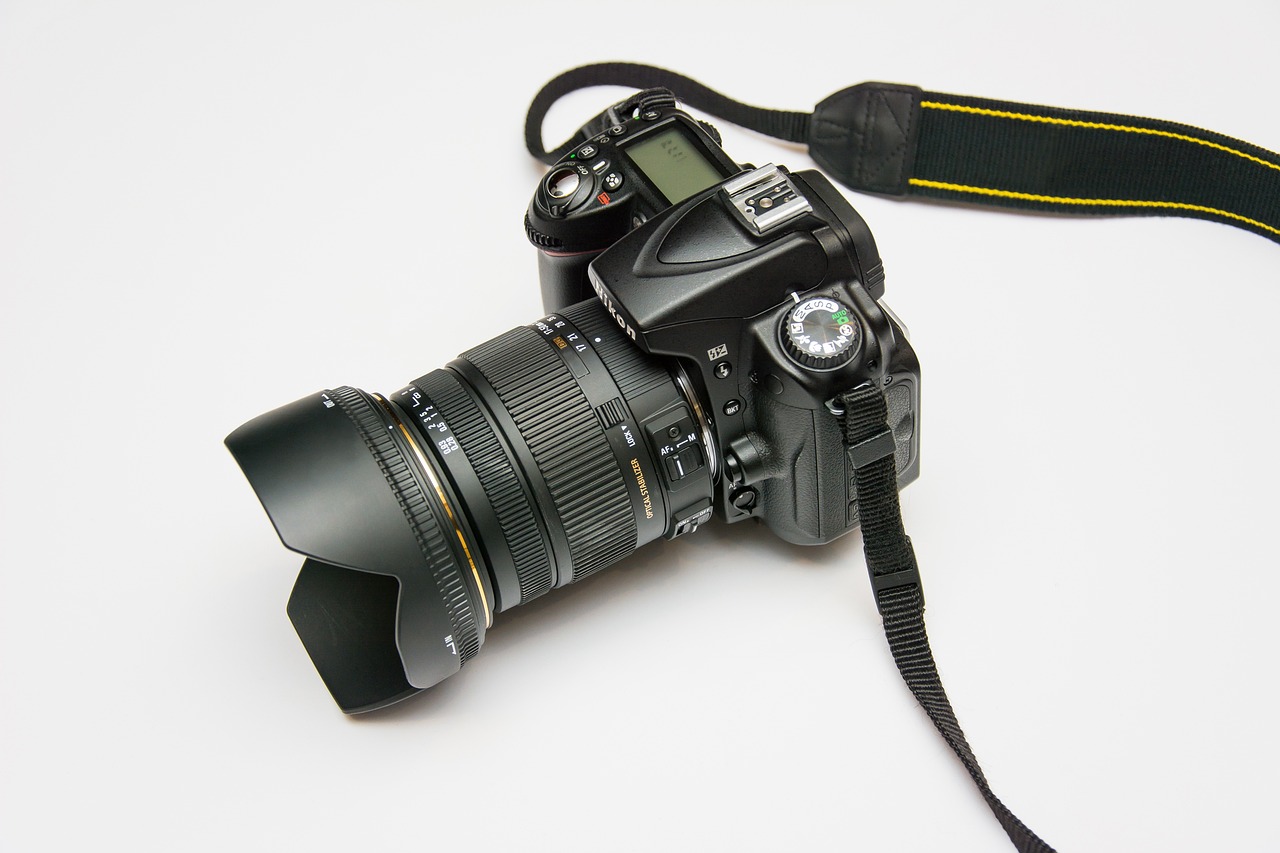

Live Streaming with DSLR: Camera Optimization Guide
When embarking on a live streaming journey, optimizing your DSLR camera settings is paramount for achieving high-quality broadcasts. Begin by understanding the basics of exposure, which encompasses aperture, shutter speed, and ISO settings. Aperture controls the amount of light entering the camera, affecting depth of field. A lower f-stop allows more light, producing a shallower depth of field, making it prominent for achieving a cinematic look. On the other hand, your shutter speed should be set ideally at twice the frame rate for smooth motion capture. Therefore, if you broadcast at 30fps, your shutter speed should be around 1/60 seconds. Moreover, the ISO setting affects the camera’s sensitivity to light; balance it carefully to avoid introducing noise while boosting brightness. Always perform tests before broadcasting to find the right equilibrium in these settings. Experiment with different apertures and shutter speeds to discover how each contributes to the overall visual quality of your stream. Understanding these essentials will set a firm foundation for the technical aspect of live streaming, enhancing viewers’ experiences.
Next, ensure you select the appropriate resolution and frame rates tailored to your audience and platform. Many streaming platforms support various resolution options, typically 720p, 1080p, or even 4K. Adopting a higher resolution improves visual fidelity but may strain your bandwidth or processing power. Consider your internet connection and system capabilities; optimal upload speed recommendations suggest a minimum of 5 Mbps for 720p streaming and up to 15 Mbps for 1080p. Also, frame rates significantly impact the viewer experience. While a frame rate of 30fps is suitable for most content, genres with rapid movements, such as sports, benefit immensely from 60fps, providing smoother visuals for fast-paced scenes. Always perform a test stream to check for lag and buffering issues at your chosen settings, allowing adjustments. When using a DSLR, ensure the camera can consistently output at your selected resolution and frame rate during the full length of the stream. This preparation ensures a seamless viewing experience, encouraging audience engagement and retention.
Focus and Composition
The focus and composition of your live stream significantly affect viewer engagement. Achieving sharp focus is crucial; consider using manual focus rather than autofocus, which can be unpredictable and distracting during a live broadcast. Set your focus prior to going live, and ensure your subject is adequately framed. Additionally, framing adheres to the rule of thirds to elevate your video composition. This technique divides the frame into a three-by-three grid, allowing you to position your subject or important elements along those lines or at their intersections for better visual appeal. Employing a tripod or stabilizer can significantly reduce shaky footage, enhancing professionalism. Ensure your background is also visually pleasing, avoiding clutter that distracts from your main focus. Lighting changes dramatically affect focus sharpness and overall ambience, so conduct tests to find the best combination of lighting and framing. Adjusting these components carefully can transform your live stream from an ordinary event into a captivating experience, holding viewers’ attention throughout your broadcast.
Lighting Techniques
Lighting plays a crucial role in the quality of live streaming with your DSLR. Ambient light often falls short, leading to washed-out footage or awkward shadows; hence, utilizing additional lighting sources can create a more balanced environment. Key lighting techniques include using softboxes, ring lights, or LED panels, which produce even illumination and minimize harsh shadows. When positioning lights, place your primary light source around 45 degrees from the subject to achieve depth and dimension. Additionally, consider backlighting your subject to separate them from the background, creating a more three-dimensional look. Experiment with light intensity and color temperature, aiming for a natural appearance; warmer tones emulate a cozy atmosphere, while cooler tones contribute to a more professional feel. Consider investing in a light meter to measure light intensity and tailor your setup accurately. Properly executed lighting can enhance the depth, clarity, and overall aesthetic of your stream, making it more appealing and professional.
As you finalize your camera settings, do not overlook the audio component. While video quality is of utmost importance, clear audio can make or break your live streaming quality. Use an external microphone for superior sound quality; shotgun or lavalier microphones often outperform built-in camera mics. Test your audio levels before going live to ensure they are sufficiently high without distortion. Consider adding audio filters or mixers to improve sound clarity, and monitor audio feedback during the stream for any potential issues. Moreover, creating a quiet environment is crucial to reduce background noise, which can distract viewers. Alternatively, incorporate a noise gate or equalizer on your audio mix, eliminating unnecessary sounds. Engage your audience by responding to their audio feedback, adjusting levels in real-time if needed. The combination of excellent video visuals and pristine audio quality elevates your live stream to professional standards, maximizing viewer satisfaction and interaction.
Post-Streaming Adjustments
After completing your live stream, take time to review your footage critically. Note elements that went well, such as clear visuals or engaging content, and document areas requiring improvement. Analyzing these aspects helps you refine your future live streams, increasing viewer satisfaction. Additionally, consider gathering feedback from your audience regarding their experience. Constructive criticism is vital; invite viewers to share their thoughts about video quality, audio clarity, and overall engagement. This feedback can guide enhancements in your live streaming strategy. Furthermore, post-stream editing can polish the final product, especially if you record the stream for later sharing on platforms like YouTube or Facebook. Trimming unnecessary segments can maintain viewer interest and enhance retention on recorded content. Use editing software to incorporate graphics or text to highlight key moments or call-to-action reminders effectively. Overall, this reflective process enhances your skills and enriches future live streaming endeavors.
Lastly, staying updated with the latest trends and technology in live streaming improves your content continually. Platforms often evolve, introducing new features beneficial for enhancing your broadcasts. For instance, you may explore integrating interactive elements, such as polls or live Q&A sessions, engaging your audience dynamically. Likewise, being aware of current streaming software developments can help streamline your process, ensuring smoother broadcasts with minimal technical issues. Join online communities or forums focused on live streaming, where people share their experiences and insights. Attend workshops or webinars for hands-on training and exposure to cutting-edge techniques. By embracing innovation and curiosity, you empower your streaming capabilities and significantly boost viewer engagement over time. Staying adaptable, open-minded, and willing to learn elevates your status as a live streaming content creator, reflecting positively on your established audience.
Your live streaming with DSLR will yield remarkable results once you’ve mastered the essential techniques for optimizing camera settings. Understanding and applying concepts like exposure, focus, composition, and audio quality creates a cohesive and professional broadcast experience. Coordination between video and audio while continuously evaluating feedback and trends ensures that your streams remain fresh and engaging. These practices not only boost your technical skills but also facilitate growth in your streaming audience. With consistent effort and a creative approach, enjoy sharing your passion through live streaming while connecting with viewers globally.