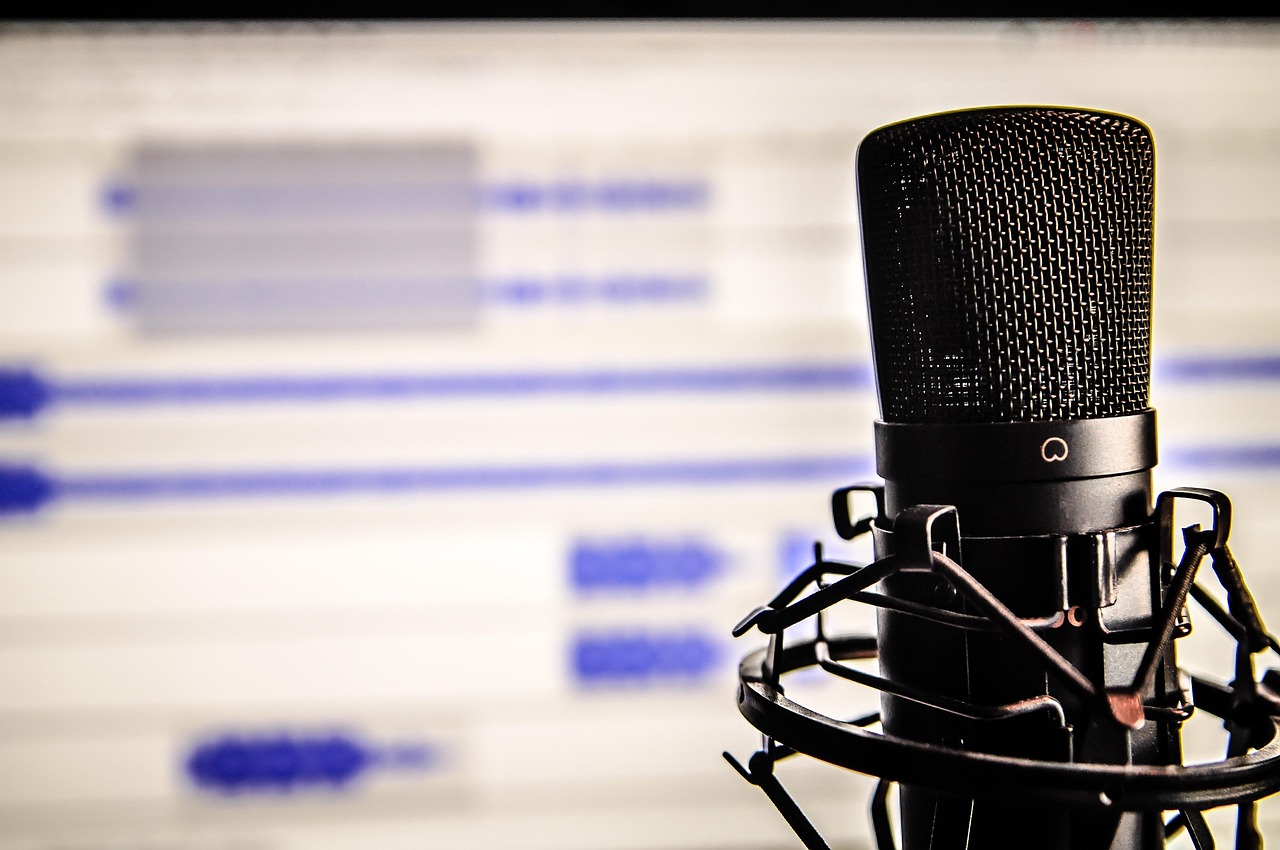

Audio Editing Tips After Recording with Microphones for YouTube
Utilizing high-quality microphones is paramount for YouTube content creators. To create engaging and professional-sounding videos, it’s essential to focus on audio editing techniques post-recording. First, consider your recording environment. A quiet, treated space minimizes back noise during the capture process, leading to easier editing later. Once recorded, importing your audio into editing software is your next step. Programs like Adobe Audition or Audacity provide excellent tools for refining audio quality. One technique includes normalizing your audio levels to ensure consistency throughout your project. After that, employing a noise reduction tool will help eliminate unwanted ambient noise for clearer sound. Another key technique is adjusting EQ settings to enhance vocal clarity and eliminate muddiness that can detract from your message. Listen for frequencies that need adjustment, enhancing clarity and reducing harsh sounds. Additionally, utilizing compression can help balance dynamic range. Finally, be sure to export your audio in a lossless format for the best quality, ensuring that your viewers enjoy optimal sound quality that matches the professionalism of your video content. Attention to these details can significantly elevate your YouTube audio production standards.
After mastering your audio editing basics, refining techniques will take your sound quality to new heights. Implementing reverb can add depth to your recordings, making them feel more polished and immersive. However, moderation is key; too much reverb can muddle your audio, making it hard to understand. Experiment with the reverb settings until you find a fine balance that enhances your audio without overpowering it. Following this, creating a stereo image can significantly enhance the listening experience. Panning vocal tracks slightly left or right can create a pleasing auditory landscape that keeps viewers engaged. Additionally, adding sound effects or background music should be approached thoughtfully. Use royalty-free music or sound libraries to complement your message instead of drowning it out. Next, ensure your audio is synced precisely with your video for a professional finish. This synchronization allows your audience to connect visually with your spoken words. Lastly, don’t overlook exporting your edited audio correctly. Choosing the right file format and settings plays a vital role in audio quality and compatibility across platforms. Make sure to test your audio in different environments to ensure it performs well everywhere.
Common Mistakes to Avoid
When diving into audio editing for YouTube, awareness of common mistakes can help you avoid setbacks. For one, overlooking the importance of microphone placement can cause unwanted distortion. Always test your microphone’s position before recording to ensure the best sound capture. Additionally, failing to monitor audio levels during recording is a mistake many beginners make. Aim for levels that stay within optimal ranges to prevent peaking. If peaking does occur, the audio may sound clipped and harsh, making it difficult to fix in post-production. Another common oversight is insufficient backup plans. Always save your projects frequently and maintain backups in separate locations to prevent data loss. Many creators also neglect to listen to their audio at various volumes. Checking playback across multiple devices, such as phones, laptops, and speakers helps ensure quality consistency. Furthermore, don’t forget to analyze your audience’s feedback. Viewers may provide valuable insights regarding audio clarity or issues that need addressing. By taking these tips into action, your overall audio production will improve, leading to a more professional end product that resonates well with your audience.
In addition to refining your audio quality, consider the role of ambiance in your recordings. Sometimes, adding subtle background sounds can enhance the storytelling elements of your content. Whether it’s light nature sounds, soft music, or gentle soundscapes, well-placed ambient audio can draw viewers in deeper. However, ensure that these sounds are mixed appropriately—too loud and they can distract; too soft, and they become ineffective. A good rule of thumb is to keep background sounds a few decibels lower than your primary audio. Moreover, always remember the importance of mastering audio tracks. Mastering can ensure your final mix is balanced and ready for various platforms. This includes adjusting overall loudness to meet platform standards, which is crucial for streaming services like YouTube. Additionally, be mindful of the duration of silence or pauses in your audio. Removing or adjusting these can create a more engaging listening experience. Lastly, always try to keep your editing flows organized. Naming your tracks and utilizing color coding can equally streamline your workflow, helping you to manage multiple audio sources effectively during editing sessions.
Final Review and Testing
After completing your audio editing journey, taking time for a final review is essential. Listening to your entire audio track before finalizing can reveal any overlooked issues. Pay attention not only to clarity but also to tonal qualities that could be improved. Consider enlisting a fresh pair of ears, such as a friend or colleague, to provide objective feedback. Their insights can often pinpoint inconsistencies or problems you may have missed. During this review, it helps to use high-quality headphones or monitors to accurately audit your sounds. Comparing your audio against professional content can also guide improvement. If something feels off, assess whether adjustments can be made to elevate the quality. Furthermore, nothing beats practical testing: playing your edited audio on various devices can shed light on its performance. Listen for discrepancies in sound quality across device types, which can influence viewer experience. Lastly, consider your editing timeline and avoid rushed decisions. Investing effort into the review process can significantly elevate the quality of your content, ensuring that viewers appreciate the effort placed into creating professional-grade audio for your YouTube videos.
Maintaining a consistent theme throughout your audio also helps engage your audience effectively. This includes conceptual sounds or music that aligns well with your message. When creating content across different videos, developing a distinct audio signature can reinforce your brand identity. Think of popular channels—often, they have recognizable sound profiles that keep returning viewers engaged. Moreover, voice modulation techniques can enhance audience interest. Subtle changes in pitch and pace can convey emphasis or emotion, making your audio delivery more dynamic. Practicing various approaches before settling on your method can lead to greater engagement. Using script delivery is another useful practice; being aware of pacing and inflection patterns keeps your presentation polished and professional. In addition, motivation can fade quickly in long recording sessions. Taking breaks during long edits is crucial to maintain focus and prevent burnout. This practice fosters fresh perspectives on the content and solutions to any challenges you encounter. Finally, celebrate your progress! Acknowledge milestones and improvements in your editing journey. Developing effective audio techniques pays off, enriching your YouTube videos while engaging your audience with top-notch sound quality.
Conclusion
In conclusion, effective audio editing plays an integral role in creating high-quality YouTube content. By focusing on techniques such as noise reduction, EQ adjustments, and mastering, any creator can enhance their productions. Attention to detail, awareness of common mistakes, and thorough review processes are essential aspects of this journey as well. Moreover, exploring the creative possibilities of audio can elevate viewer engagement. Whether integrating ambient soundscapes or establishing a consistent audio identity, these elements significantly impact how audiences connect with content. As you embark on your YouTube journey, remember your audio is just as vital as your visuals in creating captivating stories. Stay open to learning from feedback and evolving your style over time to achieve the best outcomes. Precision in audio editing not only aids in achieving a professional standard but also helps you stand out in a saturated market. With practice and dedication, you will sharpen your skills and cultivate an audience that values your unique auditory offerings. Embrace the challenges and celebrate your growth as a creator, ensuring every step you take elevates the quality of your videos and impacts your viewers positively.
Once you’ve integrated these skills, it’s time to share what you’ve created confidently. Remember, achieving excellence takes time. Every edit, every improvement, adds to your extensive portfolio, showcasing your growth as a content creator. Engage with fellow creators for tips and inspiration; collaboration can bring fresh perspectives that enhance your approach. Use feedback constructively to refine your techniques further and keep evolving your audio production quality. As platforms and technologies change, staying informed will give you an edge. There are continuous advancements in audio technology, so embracing these updates can position you at the forefront of effective content creation. Invest time in learning new software features, techniques, and trends to keep your content relevant. Also, remember to continue revisiting your old content; as your skills improve, auditing past videos can also provide new opportunities for upgrading them. Re-editing older work may impart newfound insight and quality reflecting your advancement. Thus, stay motivated and engaged with your journey, and always seek ways to elevate your sound production. As you hone your craft, you will cultivate an audio brand that resonates deeply with your audience, building loyalty and excitement for every new video you release.